



What Are HTTP Status Codes?
When a browser, frontend application, or mobile app sends a request to a server, the server responds with an HTTP status code.
For example:
GET /api/users/10

HTTP/1.1 200 OK
The 200 tells the client that the request was successful.
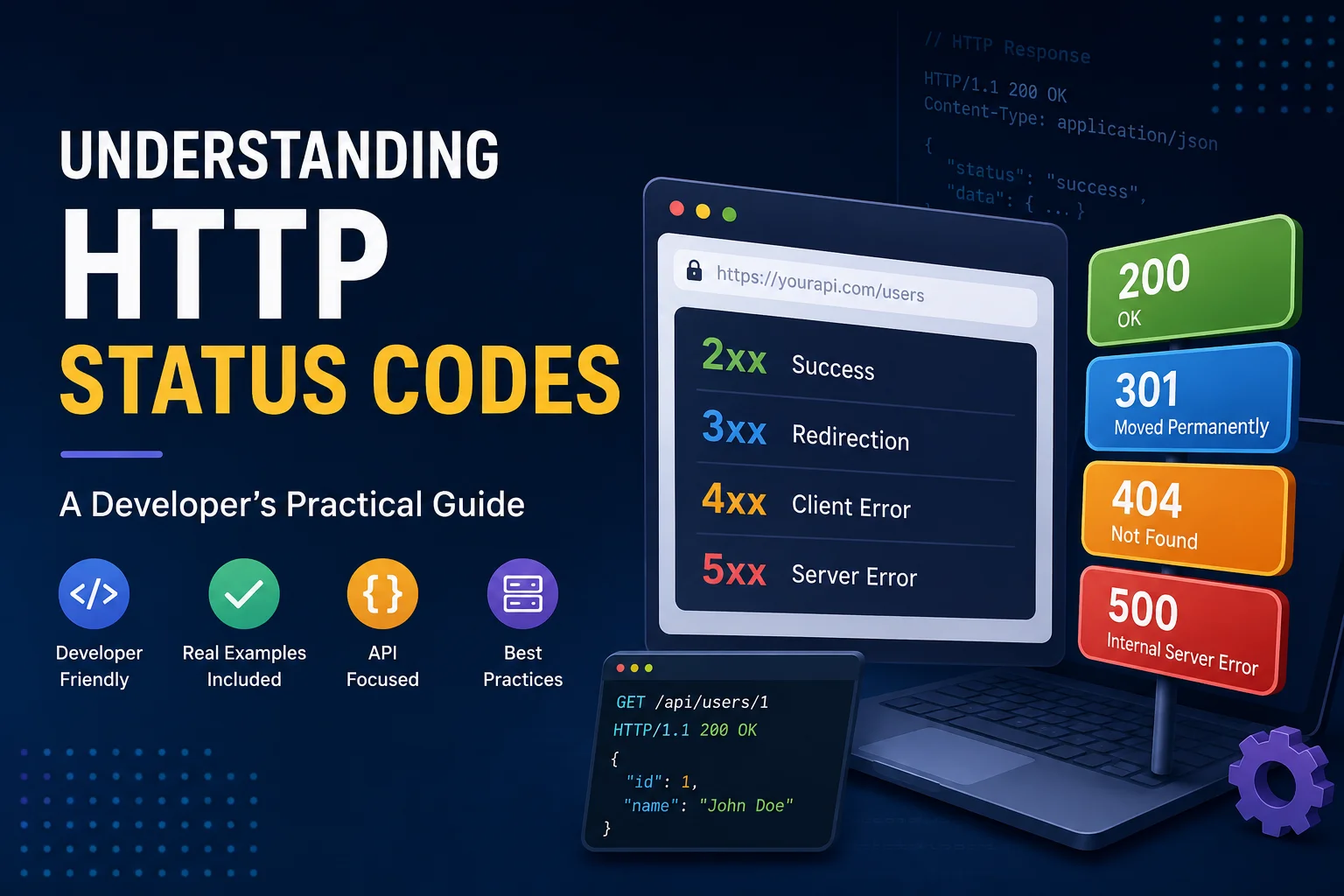
Status codes are divided into five groups:
- 1xx → Informational
- 2xx → Successful
- 3xx → Redirection
- 4xx → Client error
- 5xx → Server error
The Most Common HTTP Status Codes
🟢 2xx — Success
These indicate that the request was successfully processed.
200 — OK
The request was successful.
GET /api/users/10
→ 200 OK
201 — Created
A new resource was successfully created.
POST /api/users
→ 201 Created
204 — No Content
The request succeeded, but there is nothing to return.
DELETE /api/users/10
→ 204 No Content
🔵 3xx — Redirection
These tell the client that another response or URL should be used.
301 — Moved Permanently
Used when a URL has permanently changed.
/old-page
   ↓ 301
/new-page
302 — Found
Used for a temporary redirect.
304 — Not Modified
The resource hasn't changed, so the client can use its cached version.
🟡 4xx — Client Errors
These are especially important when building APIs.
400 — Bad Request
The request itself is invalid or malformed.
POST /api/orders
→ 400 Bad Request
Example: invalid JSON or missing required request structure.
401 — Unauthorised
The client isn't properly authenticated.
GET /api/profile
→ 401 Unauthorized
Example: missing or expired access token.
403 — Forbidden
The user is authenticated but doesn't have permission.
DELETE /api/users/10
→ 403 Forbidden
Example: a normal user attempting an admin-only operation.
401 = You are not authenticated.
403 = You are authenticated, but you're not allowed.
404 — Not Found
The requested resource doesn't exist.
GET /api/users/9999
→ 404 Not Found
422 — Unprocessable Content
The request is valid, but the submitted data fails validation.
{
    "email": "invalid-email"
}
Response:
422 Unprocessable Content
This is commonly used for validation errors in Laravel APIs.
429 — Too Many Requests
The client has exceeded a rate limit.
POST /api/login
→ 429 Too Many Requests
Useful for protecting APIs from excessive requests.
🔴 5xx — Server Errors
These indicate that something went wrong on the server or an upstream service.
500 — Internal Server Error
An unexpected server-side error occurred.
GET /api/orders
→ 500 Internal Server Error
502 — Bad Gateway
A gateway or proxy received an invalid response from another server.
Client → Nginx → API Server
                  ↓
              Invalid response
                  ↓
                 502
503 — Service Unavailable
The server is temporarily unable to handle requests.
→ 503 Service Unavailable
Common during maintenance or temporary server overload.
504 — Gateway Timeout
A gateway didn't receive a response from an upstream server in time.
Client → Gateway → API
                    ↓
                 Timeout
                    ↓
                   504
400 vs 401 vs 403 vs 404 vs 422
These are some of the most commonly confused codes:
400 → Invalid request
401 → Not authenticated
403 → Not permitted
404 → Resource doesn't exist
422 → Validation failed
A simple example:
Request
   ↓
Is the request valid?
   ├── No → 400
   ↓
Is the user authenticated?
   ├── No → 401
   ↓
Does the user have permission?
   ├── No → 403
   ↓
Does the resource exist?
   ├── No → 404
   ↓
Did validation fail?
   ├── Yes → 422
   ↓
Continue processing
HTTP Status Codes in Laravel
Returning the appropriate status code in Laravel is simple:
// Success
return response()->json($data, 200);

// Created
return response()->json($data, 201);

// Not Found
return response()->json([
    'message' => 'User not found'
], 404);

// Validation Error
return response()->json([
    'message' => 'Validation failed'
], 422);
The important thing isn't just returning JSON—it is returning the correct HTTP status code along with it.
Quick Reference
2xx — Success
200 OK · 201 Created · 202 Accepted · 204 No Content
3xx — Redirection
301 Permanent Redirect · 302 Temporary Redirect · 304 Not Modified
4xx — Client Error
400 Bad Request · 401 Unauthorised · 403 Forbidden · 404 Not Found · 405 Method Not Allowed · 409 Conflict · 422 Validation Error · 429 Too Many Requests
5xx — Server Error
500 Internal Server Error · 502 Bad Gateway · 503 Service Unavailable · 504 Gateway Timeout
Conclusion
HTTP status codes are a small but important part of building reliable web applications and APIs.
You don't need to memorise every code. Just understand the basic rule:
2xx → Success
3xx → Redirection
4xx → Client/request problem
5xx → Server/upstream problem
Using the right status code makes your API clearer, easier to debug, and easier for other developers to integrate.
Frequently asked questions
What is an HTTP status code?
An HTTP status code is a three-digit number returned by a server to indicate the result of an HTTP request. For example, 200 means the request was successful, while 404 means the requested resource was not found.
What is the difference between 401 and 403?
401 Unauthorised indicates the client is not authenticated correctly. 403 Forbidden The user is authenticated but does not have permission to perform the requested action.
What HTTP status code should I return after deleting a resource?
204 No Content is a popular choice if the delete succeeded and you don’t need to return a response body. 200 OK is also useful when you want to return some extra info in the response
Why are HTTP status codes important in API development?
They give clients a common way to get information about what happened to a request. APIs are much easier to consume, debug, integrate and maintain when the right status codes are used.

Enthusiastic junior full stack web developer with a strong foundation in modern web technologies. Passionate about learning, coding, and building reliable applications.